Birla Institute of Management Technology, Greater Noida
AACSB Accredited | Highest CTC: 22 LPA


Are you unable to download your CAT 2026 admit card or facing login problems on the official website? Before troubleshooting, check the revised release schedule. IIM Indore has postponed the CAT 2026 admit card download facility to November 6, 2026, from the earlier date of November 4.
Latest: CAT 2026 Admit Card Direct Link
This Story also Contains
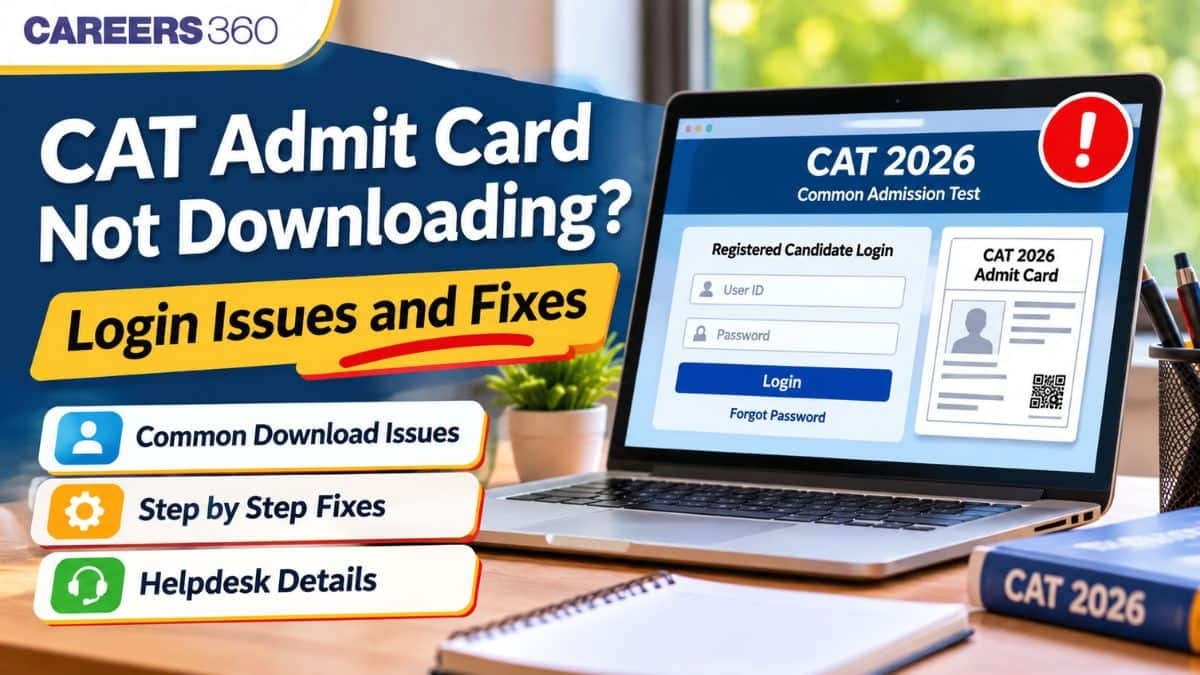
Once the download link is activated, candidates may encounter problems such as incorrect login credentials, forgotten passwords, website errors, slow loading, or PDF download failures. This article explains the common CAT 2026 admit card download issues and their possible solutions, along with password recovery steps and official helpdesk details.
CAT 2026 Admit Card Update: IIM Indore has postponed the CAT 2026 admit card download facility from November 4 to November 6, 2026. Candidates will be able to download their hall tickets from the official website using their registered login credentials. CAT 2026 will be conducted on November 29 as scheduled.
Here are some of the common issues that a candidate may face while downloading the CAT 2026 admit card from the website.
Entering an incorrect user ID or Password.
Forgetting the CAT 2026 login password.
CAT 2026 exam website not opening.
CAT 2026 admit card download link not opening
Unable to download the CAT admit card PDF.
Login page keeps reloading or going back to the homepage.
CAT 2026 website server error.
Get the actual CAT previous year question papers here
Facing issues while downloading the CAT 2026 admit card? Here are the probable causes and their solutions that candidates can use.
Common Login Issues | Possible Fixes for the Errors |
Incorrect User ID or password | Recheck login credentials and enter the correct details |
Forgot CAT login password | Use the 'Forgot Password' option |
CAT website not opening | Try accessing the website after some time |
Admit card link not visible | Check the official release date and log in again after activation |
PDF not downloading | Check internet connectivity and browser download settings |
Admit card PDF not opening | Use an updated PDF reader |
Login page keeps loading | Clear browser cache or try another browser |
Server error | Avoid repeated login attempts and try again later |
If the candidates are facing any unsolvable issue at their end, they can reach out to the CAT candidate helpdesk or helpline numbers. can also raise a ticket for their queries on the Grievance Portal. Grievance Portal is available for all registered candidates through the Registered Candidate Login
Phone: +91731 2439402 (Monday to Friday excluding holidays, from 9:30 am to 5:30 pm)
cat2026_helpdesk@iimidr.ac.in
1-800-210-0175 (Toll Free) (Monday to Saturday excluding holidays, from 9:00 am to 6:00 pm)
Download Free Practice Tests & Solutions and Ace the CAT Exam 2026
If you have forgotten your CAT 2026 login details, such as your CAT password, do not worry; you can reset your password by following the simple steps mentioned below.
Open the official CAT 2026 website, iimcat.ac.in.
Click on the 'Registered Candidate Login' option.
Select the 'Forgot Password' option.
Enter the required registration details.
Follow the password recovery instructions displayed on the screen or sent to the registered contact details.
Set a new password, if prompted.
Return to the login page and access the candidate dashboard.
This may happen if the CAT admit card download link has not yet been activated or if candidates are accessing an incorrect section of the website. Candidates must check whether the CAT 2026 admit card download is active on iimcat.ac.in. They should also check if they are accessing the correct download link.
Candidates may also log in through the registered candidate login section and check if the link is live in the application dashboard.
Read more: 7 things to check before the CAT 2026 exam
Once the CAT 2026 admit card is released, lakhs of candidates will be eager to download the admit card from the website. Due to the huge number of MBA aspirants accessing the site at once, this may result in slow loading, server errors, or temporary website unavailability. Candidates can wait a little while to download the admit card. They can also check their internet connection to make sure they have a stable connection while accessing the site.
Frequently Asked Questions (FAQs)
The CAT 2026 admit card download facility has been postponed to November 6, 2026. Candidates trying to access the link before the revised date may find it unavailable. After activation, temporary server problems or browser issues may also prevent access.
Check whether you are entering the correct User ID and password. If you have forgotten your password, use the Forgot User ID/Password option on the official CAT website. You can also try clearing your browser cache or using another browser.
Visit the official CAT website, open Registered Candidate Login and select the password recovery option. Enter the required registered details and follow the instructions provided by the portal.
Check your internet connection and browser download settings. Try another browser or device, check the Downloads folder and download the PDF again. If the problem continues, contact the CAT helpdesk.
Candidates can try accessing the official CAT website through a mobile browser. However, if the PDF does not download or display correctly, using a desktop or laptop may help.
Candidates should report incorrect details, such as their name, photograph, signature or examination centre information, to the CAT examination authorities through the designated helpdesk or grievance channel. Do not modify the downloaded admit card.
The official website is iimcat.ac.in. Registered candidates must log in using their CAT 2026 credentials to access the admit card.

On Question asked by student community
Hi Khushdeep
Several apps and online platforms are available for CAT (Common Admission Test) preparation. Students can choose a platform based on their preparation needs, such as video lectures, practice questions, mock tests, and performance analysis.
Hello, for AP NEET PG Category C seats, NRI documents are generally required if you are applying under the NRI quota, and eligibility depends on the applicable counselling rules. The fee payment currency and procedure should be confirmed from the current Dr. NTRUHS notification at its official website drntr.uhsap.in.
Hello, CAT aur B-school entrance exams ke baare mein aap exam dates, eligibility, registration, exam pattern, syllabus, colleges ya admission process ki information dekh sakte hain. Aapki requirement ke according relevant details yahan mil sakti hain: https://bschool.careers360.com/exams
You can download the latest CAT syllabus from here:
Hey there,
For a B.Sc. with Chemistry, Botany and Zoology (CBZ), if the CAT application asks separately for:
If the Discipline dropdown has a more specific option such as “Biological Sciences,” “Life Sciences,” or “Zoology/Botany,”
Directions for question:
The bar-graph given below shows the foreign exchange reserves of Nepal (in million Rupees) from 2014 to 2021. Answer the following questions based on the graph :

Question:
What was the percentage increase (rounded to the nearest integer, if deemed necessary) in the foreign exchange reserves in

Globally Recognized by AACSB (US) & AMBA (UK) | 18 LPA Avg. CTC for PGPM 2026
Register for XAT 2027 by 28th Oct to become eligible to take the Mock Test | 75+ years of legacy | #1 Entrance Test | 100+ Test Cities | 250+ B-Schools accept XAT Score
Gateway to IBS Hyderabad & 8 other IBS campuses | Scholarships worth 10 CR
Highest Package 29.30 LPA | 230+ Recruiters | AACSB Accredited | Ranked 51 in Asia by QS International
Among top 6% B-Schools globally to be accredited by AACSB | Highest Package-35 LPA
Last Date to Apply: 15th December 2026 | Average CTC: 16.4 LPA | Up to 100% Tuition Fee Waiver