

Answer (1)

4th Nov, 2026

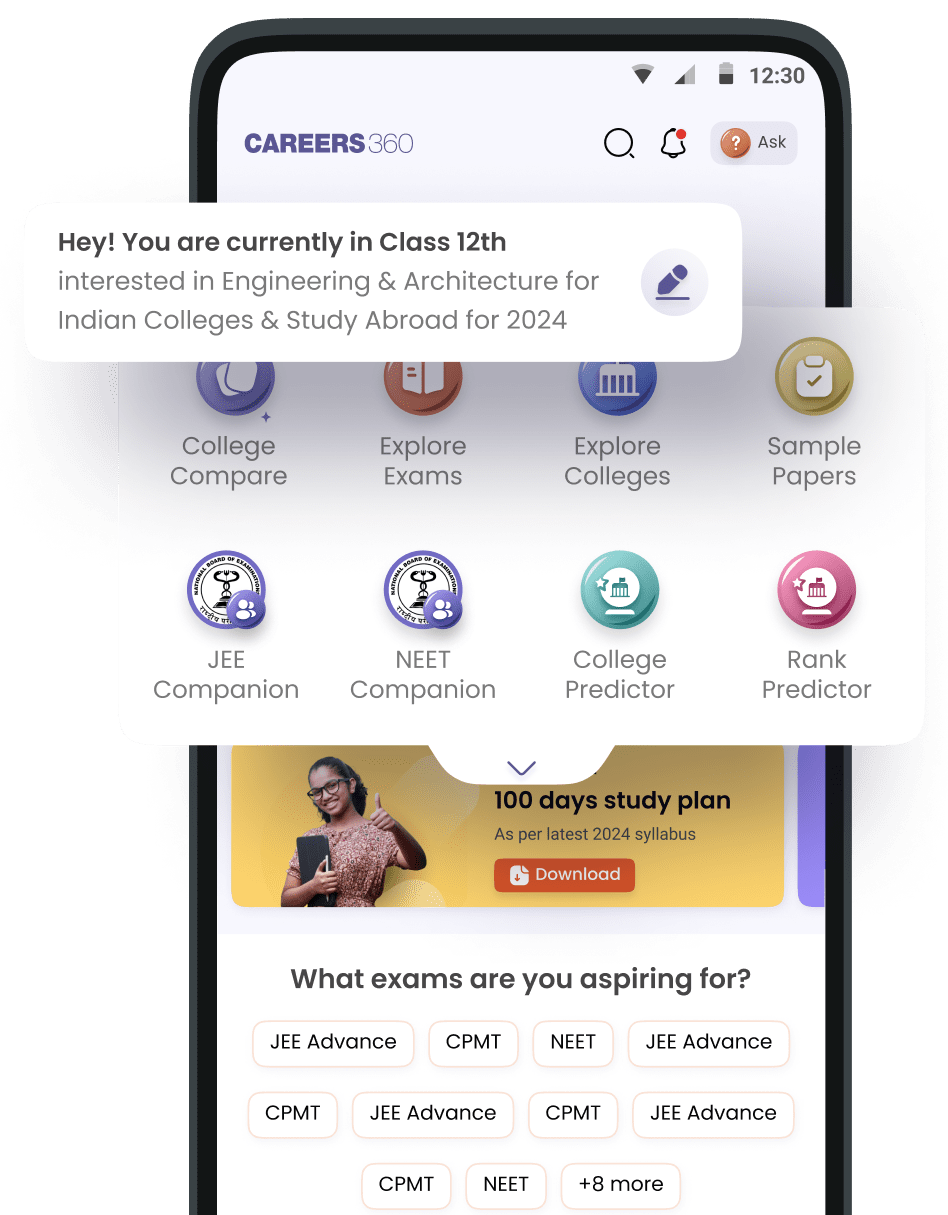
You can download eBooks in PDF format from Careers360 by following these simple steps:
- Visit the Careers360 E-books and Sample Papers section.
- Search for the eBook you need by entering its name or exam.
- Select the relevant eBook and click on the Download option.
- Log in or register with your Careers360 account if prompted.
- Once downloaded, you can access the PDF on your device.
Comments (0)