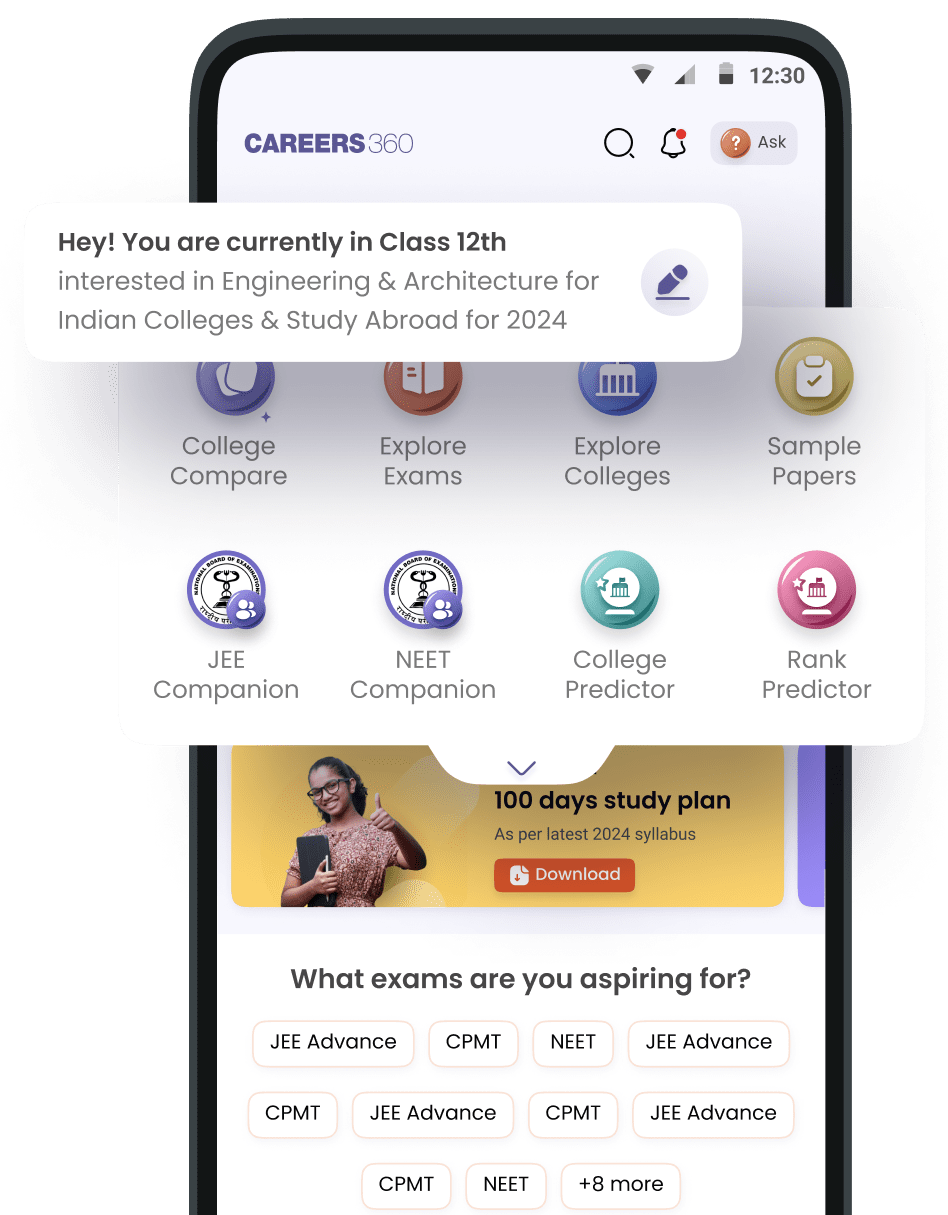


Where my download save from this aap I downloaded the previous year question papers but didn't download why you show the option
Answer (1)
24th Jun, 2025

You can find your downloaded PDFs in the Career360 app under the eLibrary section, then tap the My Reads tab. All the files you downloaded are saved there, and you can tap Read Now to open them.
If a PDF does not open, it might be because your internet was slow, the server was busy, or the download got broken. Try again when you have a good connection and it will open properly.
Comments (0)
Related Questions
Trending Articles/News